BLOG SETUP AND BASIC HELP
How do i log in to my Blog?
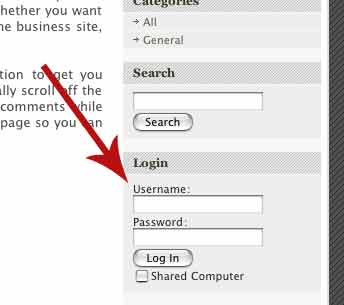
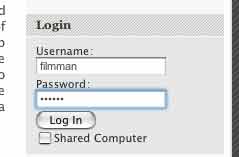
Go to the Login Fields on the right side of
the window, and type in your username
and
password and click on the "Log In" Button
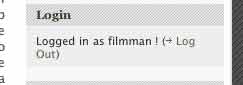
When you have clicked the log in button,
the only thing that will change is that, the log
in section will change from the Log in text
fields, the window will change to below:
HOW DO I WRITE IN MY BLOG?
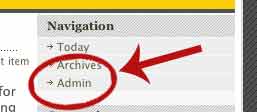
Now that you are logged in you will see that an admin button has appeared
at the top of the webpage under the navigation window, That will bring you
into the admin section. Below is what you will see when you log into the
admin
site.
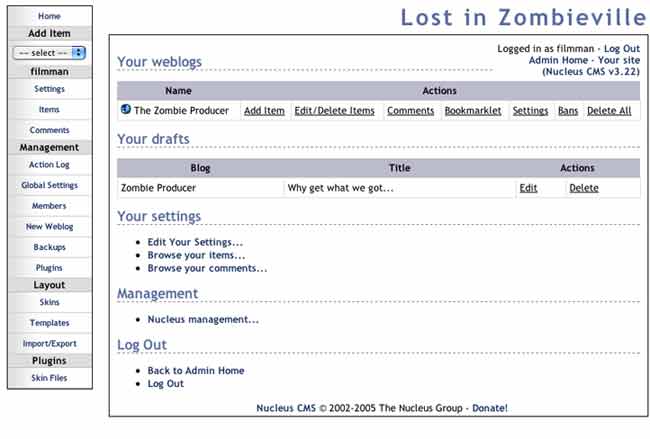
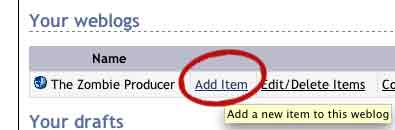
To create a new blog, Simply click the add item button.
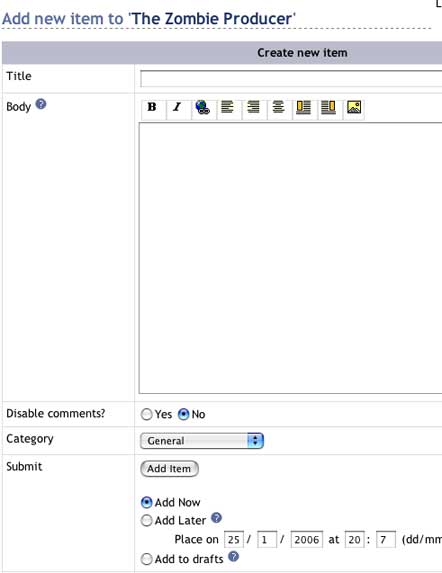
By clicking the add blog, you are able to write your blogs. You can see what
that will look like
below. To save them simply click the Add Item buttom, and your blog will appear
on your main site.
HOW DO I EDIT AN OLD BLOG?
Sometimes you might want to edit an old blog. You can do this pretty easily.
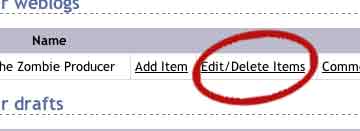
First go to your main admin area. Just like you did to add a blog above. This
time instead of adding a blog, click on the "Edit/delete items" button.
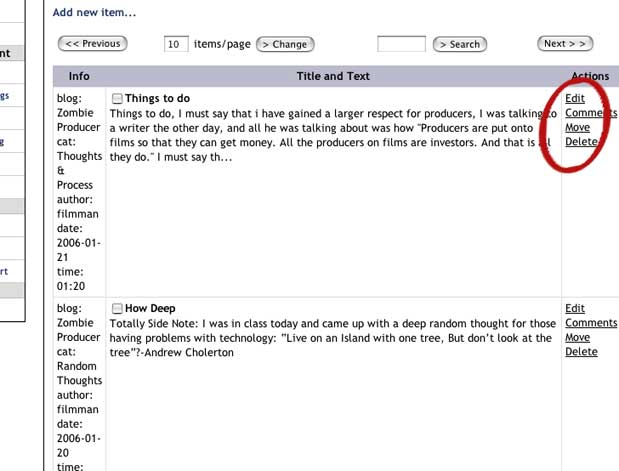
That will bring you to the window below. At this window you are able to
see each of your past blogs. Here you can clip on the edit button to change
or update your past entries.
HOW DO I CHANGE MY LINKS ON MY MAIN PAGE?
Do you want to change the main links on your main blog page?
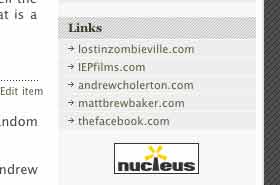
To do this you have to email andrew at andrew@iepfilms.com the links you want
on your page.
QUESTIONS??? EMAIL ANDREW@IEPFILMS.COM